Getting Started
This blog offers a comprehensive overview of HCM APIs, including authentication, authorization, API invocation methods, date tracking, and a step-by-step guide to integrating with Oracle Integration Cloud.
To begin, refer to HCM – Basic Understanding of HCM REST APIs for an overview of HCM APIs, including guidance on using query parameters, managing collections, and modifying data within Fusion HCM.
Comprehensive documentation for HCM REST APIs is available here.
Authentication
Username and Password
This basic access method is suitable only for quick testing in non-production environments. It is strongly advised against using username and password authentication in production settings.
Open Authorization (OAuth)
In Oracle Applications, OAuth utilizes an auto-generated JSON Web Token (JWT) to grant access to necessary resources.
Configuration of OAuth depends on your specific use case:
- Using Oracle Integration Cloud (OIC): Consult Understanding Integration Cloud ERP Adapter OAuth Authorization Code Scenarios for configuration details.
- Not Using OIC: Refer to Authenticating and Working with Oracle Fusion Applications V1 (Business Objects based) REST APIs for steps on configuring OAuth using OCI Identity and Access Management and Fusion Applications.
REST API – Authorization
Ensure that the Fusion user account calling the REST API has the required privileges assigned through job roles. Without these privileges, the API will return a 403 Forbidden error.
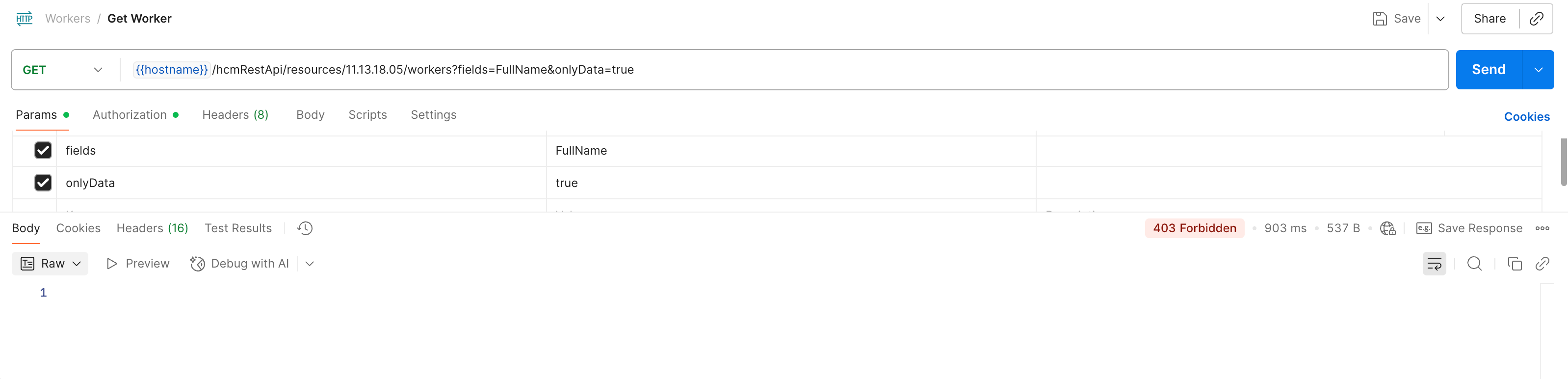 The REST API authorization section outlines the required privileges for each API, specifying the standard roles that include each privilege and detailing the privileges themselves. This information supports the creation of custom roles as needed. As illustrated in the accompanying screenshot, access levels such as full access, query-only access, or update-only access can be granted.
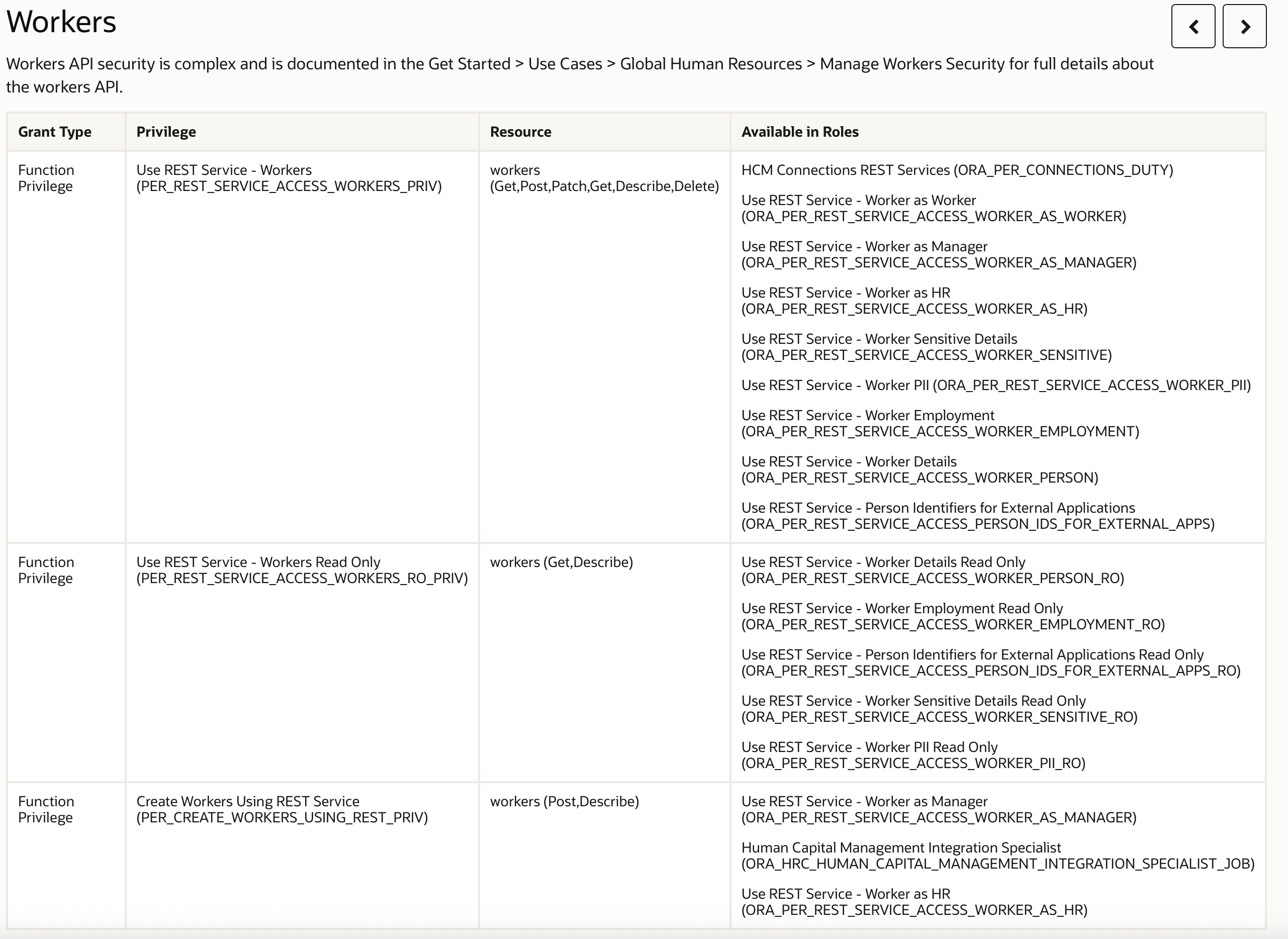
You can assign an out of the box roles to the user to provide access, but for the purpose of this blog we will create a new role. Within the security console create a new role, with a role category of “Common – Job Roles” and assign an appropriate role such as the ORA_PER_REST_SERVICE_ACCESS_WORKER_AS_WORKER.
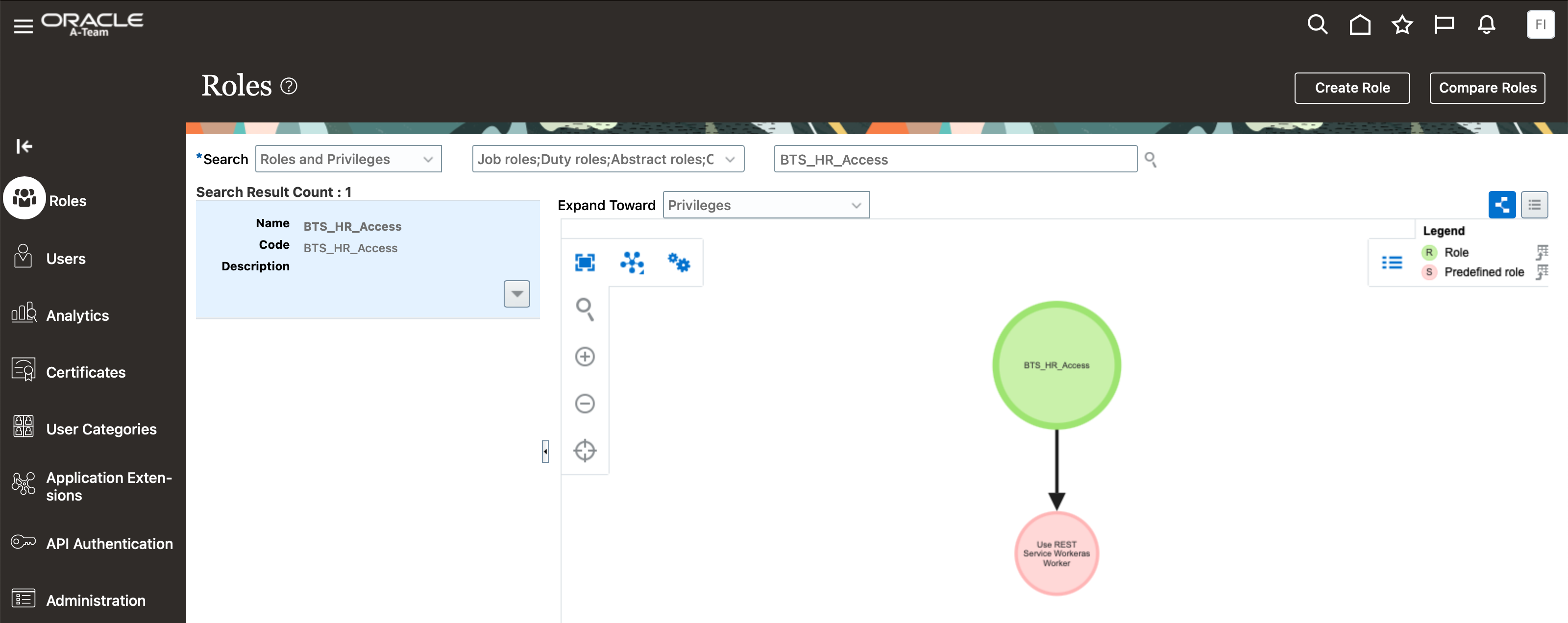
Assign this role to the user(s) who will be using the API. After assignment, the API will return “200 OK,” but no data will be returned. This occurs because the user is authorized to access the API, but currently does not have permissions to access any data.
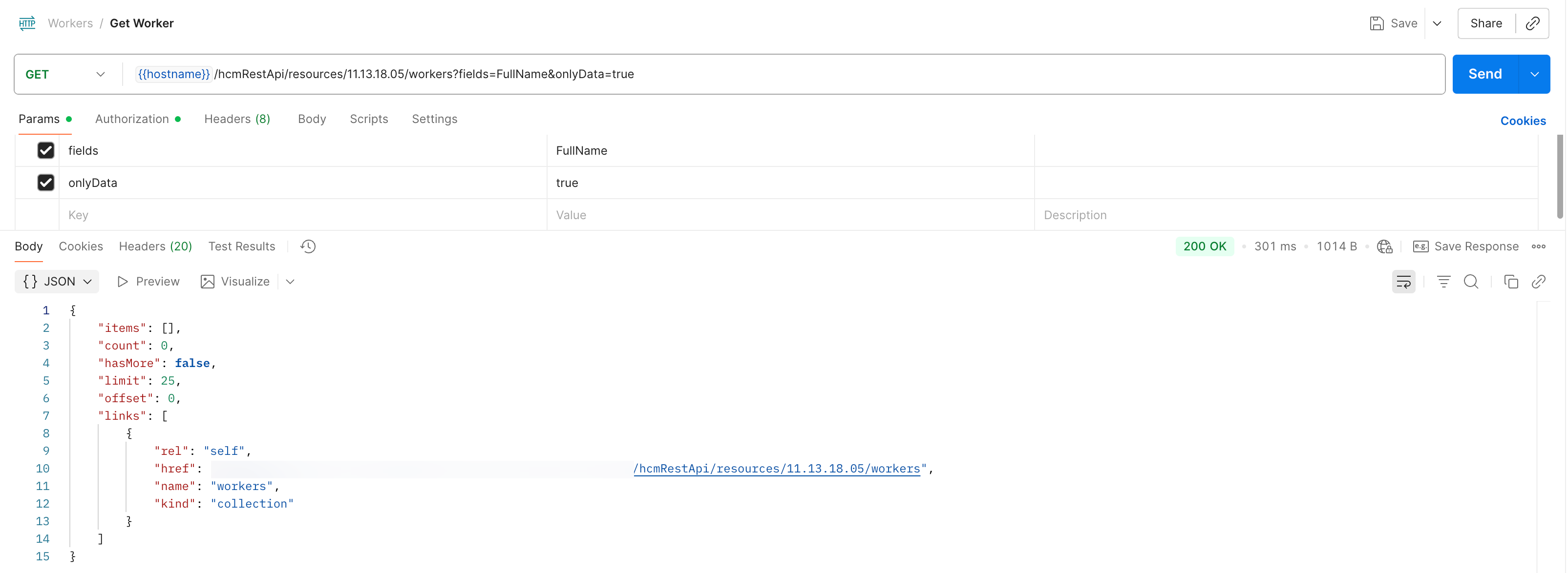
Manage Person Security Profile within Functional Setup Manager provides the ability to define specific security profiles that determine access to data within Fusion HCM. An out of the box profile called “View Own Record” literally provides a security profile for a user to be able to only view their specific details.
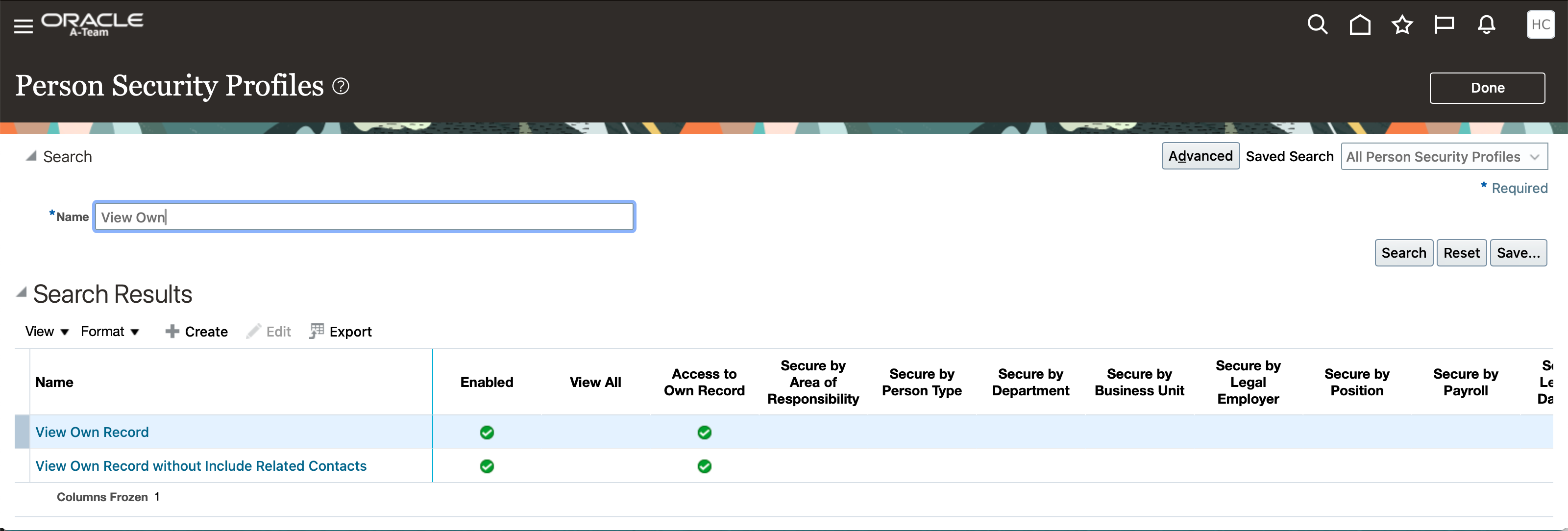
Use Assign Security Profiles to Role within Functional Setup Manager to link the View Own Record security profile to our new role.

And specify the required security profile.

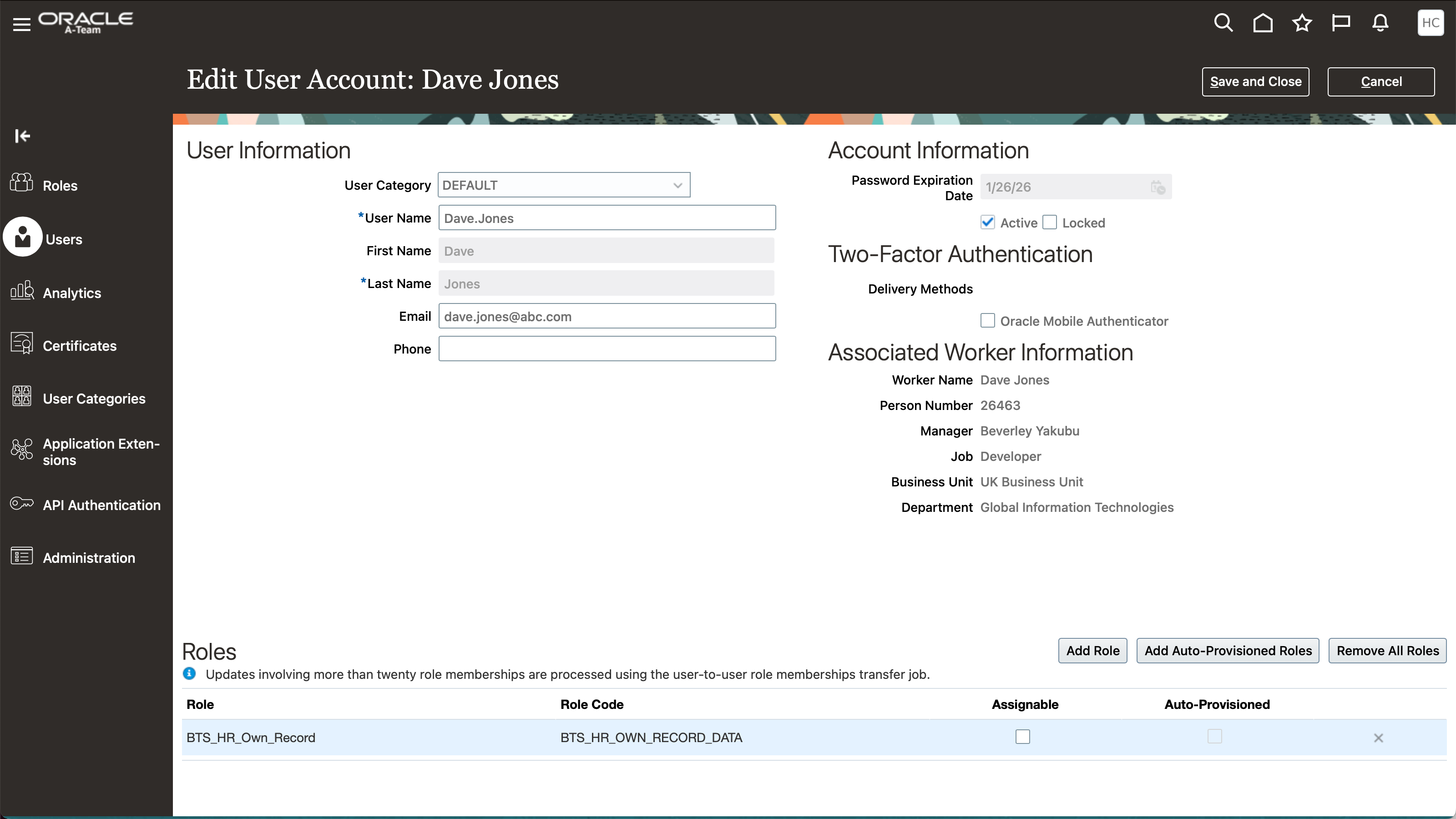
The final step is to add this new data security role to the user
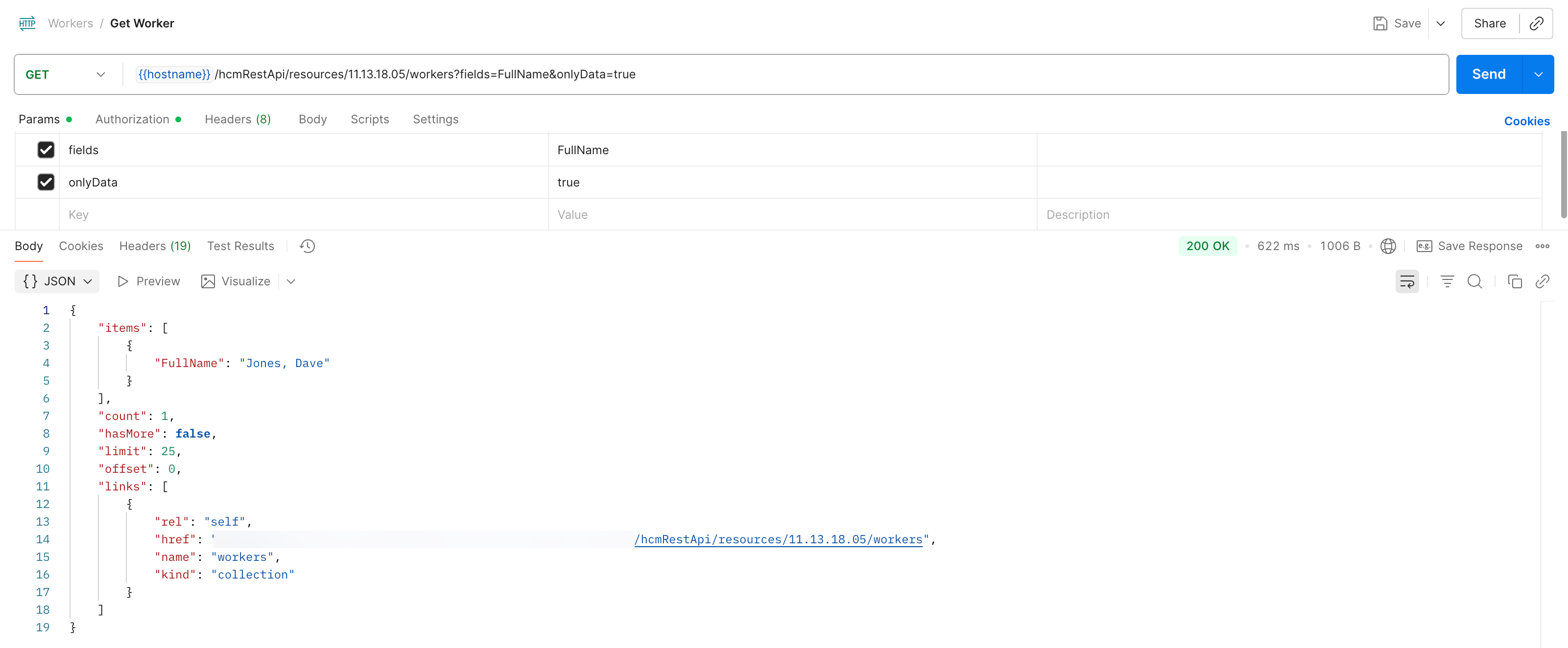
Now when we run the API again, using Dave.Jones as our authenticated user, the API returns data, but only returns data for Dave Jones due to the security policed we applied that secured the access to only allow Dave to view his own record.
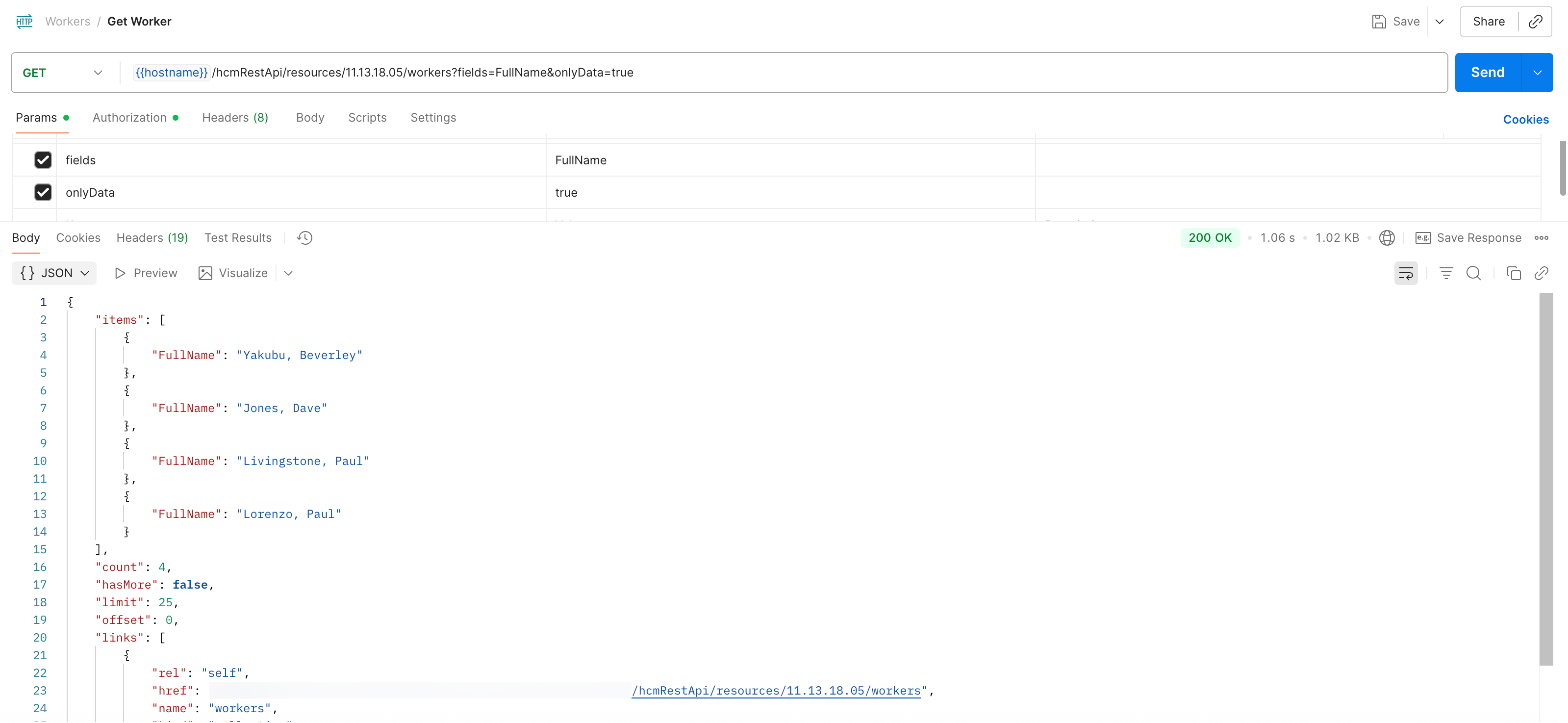
Running the API again but this time using a Beverley Yakubu as the authenticates user, provides a response with 4 records, this is because Beverley is a line manager and has a role that is secured by manager hierarchy, this allows Beverley to see her own record together with her direct reports.
Beverley has the PER_LINE_MANAGER_ABSTRACT role
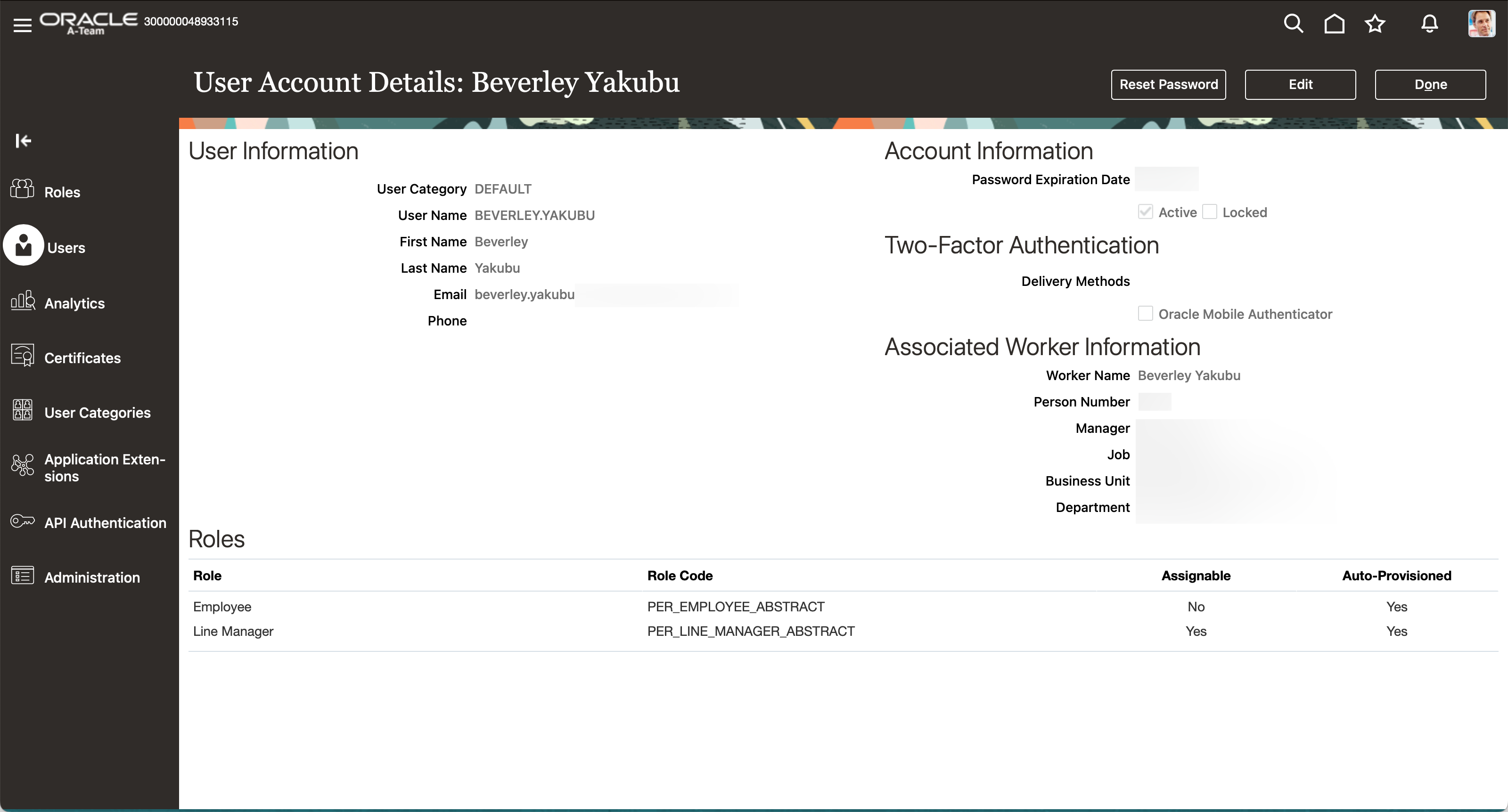
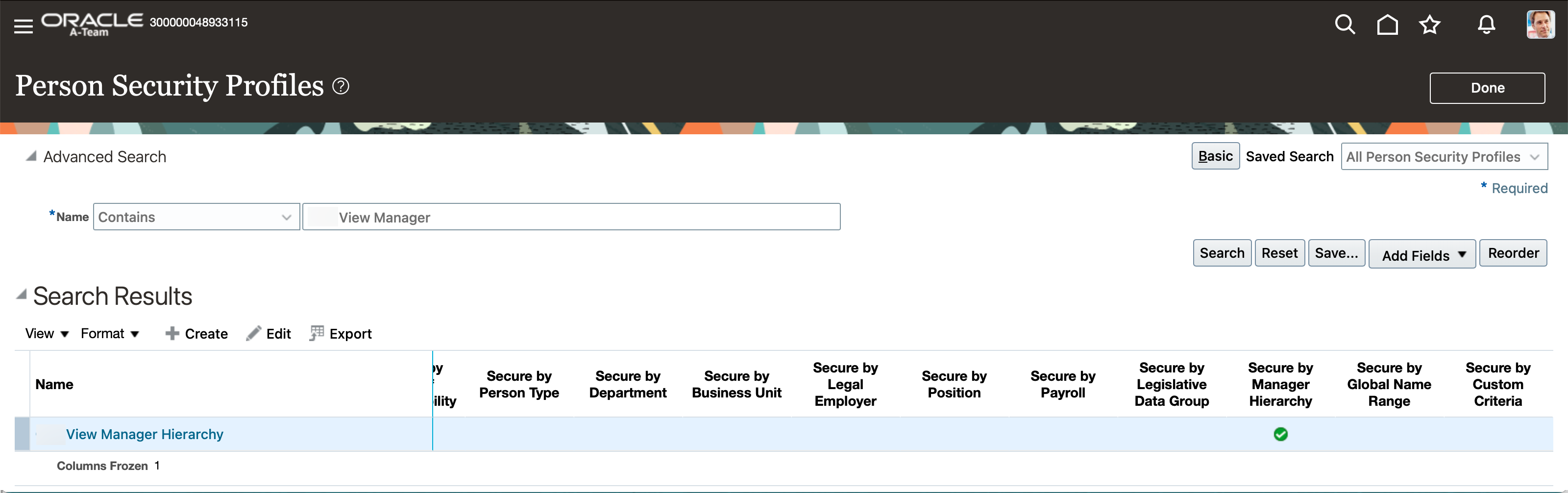
Which is secured by manager hierarchy