
Introduction:
Oracle has announced 100Gbps bandwidth capacity with the FastConnect offering. Customers can now opt for 100Gbps port speeds when provisioning the FastConnect. Customers with the use case of high throughput can take advantage of this new feature.
The purpose of this blog is to go over this feature’s capabilities. In cases where 100Gbps option is not available, we will evaluate alternatives to achieve port speeds above 10Gbps.
Availability:
By connectivity model:
- Colocation/Third party provider:
100Gbps is fully available if customers have physical presence in one of our data centers through colocation or through any third-party network provider.
- Oracle Partner:
100Gbps is currently not available with Oracle partners.
By region:
At the time of writing this blog, 100Gbps is available in the following regions with LACP and MACSEC support:
Amsterdam, Netherlands (2 POPs)
Mumbai, India (2 POPs)
Dubai, UAE (2 POPs)
Frankfurt, Germany (2 POPs)
Sao Paulo, Brazil (1 POP)
Hyderabad, India (1 POP)
Ashburn, VA (2 POPs)
Seoul, South Korea (1 POP)
Jeddah, Saudi Arabia (1 POP)
Osaka, Japan (1 POP)
London, United Kingdom
Melbourne, Australia (1 POP)
Tokyo, Japan (1 POP)
Phoenix, AZ (2 POPs)
Santiago, Chile (1 POP)
San Jose, CA (1 POP)
Sydney, Australia (1 POP)
Vinhedo, Brazil (1 POP)
Chuncheon, South Korea (1 POP)
Montreal, Canada (1 POP)
Toronto, Canada (1 POP)
Zurich, Switzerland (1 POP)
NOTE: Oracle will continue to add more regions/POPs to support this feature. If you have any questions, please reach out to Oracle representative.
Upgrade procedure to 100Gbps:
There is no direct upgrade path from the current bandwidth to 100Gbps since cross connects do not allow to change your bandwidth. If you want to upgrade to 100Gbps, you need to terminate the current cross connect and provision a new one.
Configuration:
Follow the steps below to provision a 100Gbps cross connect:
When creating FastConnect, select FastConnect Direct in the Connection Type. In the configuration window, you can see 100Gbps in the dropdown for port speed.

NOTE: Please note that default service limit for 100Gbps cross connect in a tenancy is set to 0. Customers need to raise a SR to increase this limit.
How to achieve incremental bandwidth greater than 10Gbps:
Colocation/Third party provider:
For achieving port speeds greater than 10Gbps, customers need to provision cross connect group with a port speed of 10Gbps and select the number of cross connects as per bandwidth requirement. For example, if you need bandwidth of 40Gbps, add 4 cross connects to the cross connect group of 10Gbps and so on.
Please note that you can create cross connect group consisting of only 3 cross connects while provisioning. You can add up to 8 cross connects in total to the group later.
Oracle Partner:
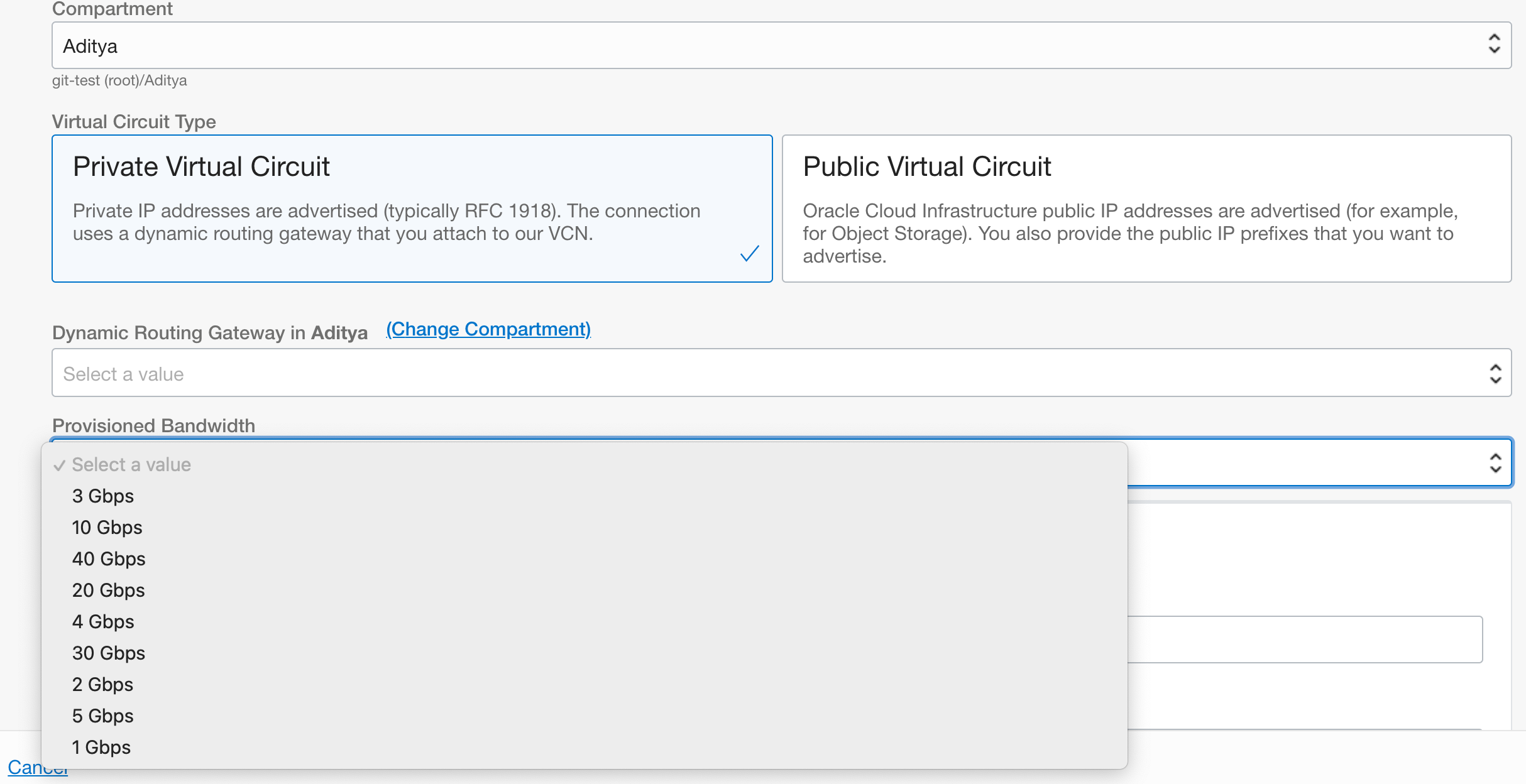
If customers want to have bandwidth greater than 10Gbps, some Oracle partners also provide incremental bandwidth options beyond 10Gbps.
For example, Oracle partner Cologix: Cloud Exchange provides port speeds of 10,20,30 and 40Gbps in Ashburn region. Please check with your Oracle partner to see what incremental bandwidth options they support.
Current limitations:
MLAG won’t be supported in near future
MACSEC Support:
Oracle recently introduced encrypted FastConnect through MACSEC technology. Currently MACSEC supports following:
- 10Gbps and 100Gbps port speeds
- Colocation/Third party connectivity models
Conclusion:
To conclude, customers who have use case that demands high throughput like large volume of data transfer, large transactions can utilize 100Gbps port speed of FastConnect. 100Gbps is fully supported for colocation/third party provider connectivity models. If you are coming through Oracle partner and want bandwidth greater than 10Gbps, please check with your partner if they offer incremental bandwidth options above 10Gbps.
Thank you!