This current article uses UTL_HTTP and has no dependency on Apex.
That said, ADW does come with Apex and the previously published solutions above will work with ADW. However, some PL/SQL developers may prefer to use native PL/SQL commands.
The techniques referenced in this blog can be easily altered to integrate with other components of the Sales Cloud REST API. Additionally, they may be useful for those wanting to integrate ADW with other Oracle and non-Oracle products using PL/SQL.
There are three steps to this solution:
1. Test Contacts REST Endpoint from Postman
2. Create Convert Blob to Clob Function
3. Run/Test PL/SQL Sample Snippet
“Section 4. Appendix – Import OSC Certificate into Wallet” has been left in the blog for now and may be removed at a later date. This was content from the original DbaaS blog and no longer needed for ADW. Information in this section has not been tested on the latest software and may be stale.
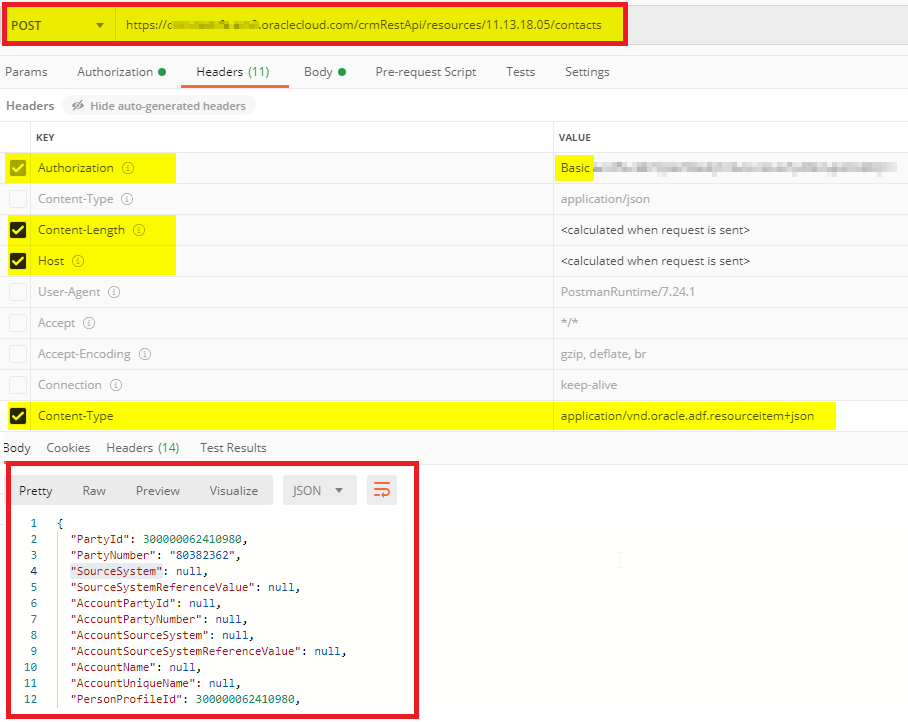
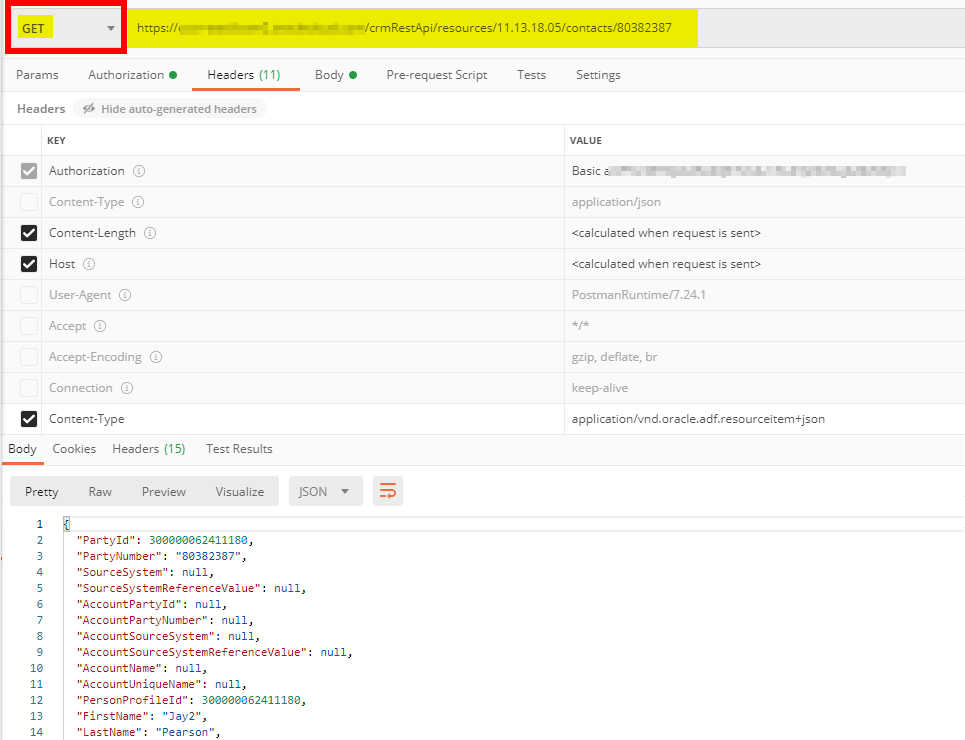
Test Contacts REST Endpoint from Postman
Confirm that a contact can be created from Postman:
Create Convert Blob to Clob Function
The snippet uses this v_blobtoclob function created by Burleson Consulting to convert the response blob to a clob.
There are many other online code samples using various methods to convert blobs to clobs that should work just fine as well.
This function isn’t actually required to create the contact.
It is however necessary to read the response – since the response comes back as a blob.
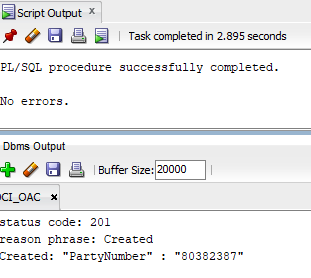
Run PL/SQL Sample Snippet
Grant the connect and resolve privileges for the fusion host to the user running the PL/SQL i.e. ADMIN
Appendix – From original DbaaS blog (this section may contain stale information)
Create Oracle Wallet
ADW is pre-configured with the Oracle Wallet and 70+ common root CA SSL certificates. It is completely transparent to developers when building declarative web services in APEX or when using APEX_WEB_SERVICE API.
DbaaS, on the other hand, does not come pre-configured with the Oracle Wallet. Therefore, a wallet must be created and the OSC certificate imported into the Wallet.
Using PuTTY (or another SSH and Telnet client) log on to the DbaaS instance as oracle or opc.
If set, enter the passphrase.
If logged on as opc, run:
sudo su – oracle
Set any necessary environment variables:
. oraenv
Create the Wallet
orapki wallet create -wallet . -pwd Welcome1
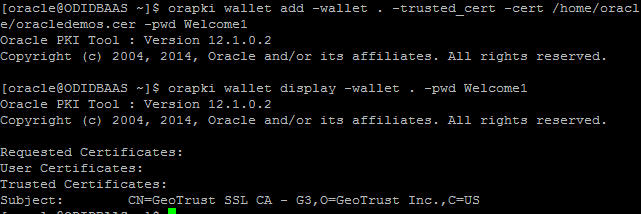
Import OSC Certificate into Wallet
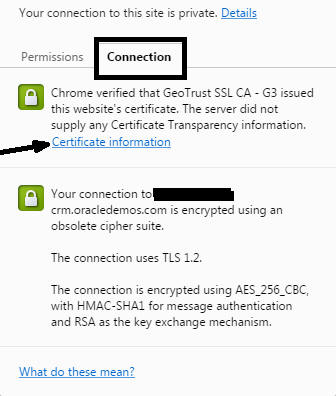
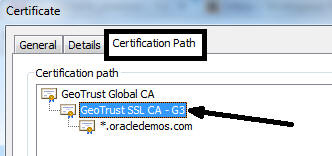
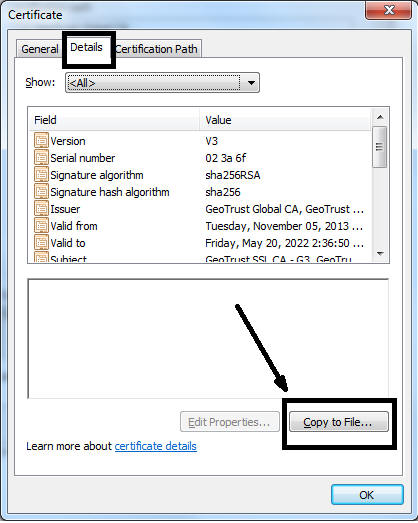
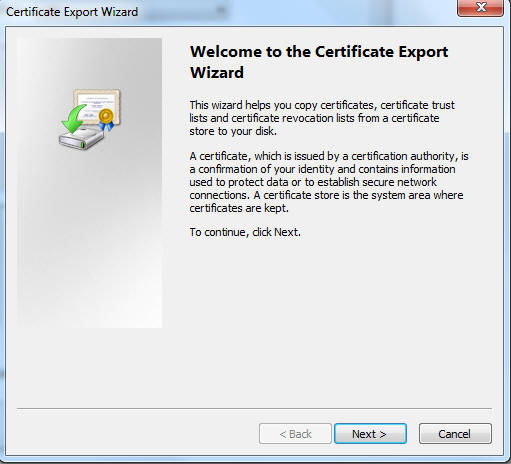
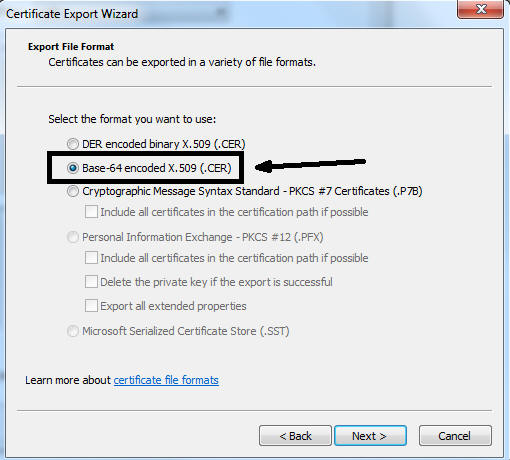
From a browser (these examples use Chrome) go to the crmCommonApi contacts URL. The screen will be blank.
This article provided a code snippet of how to use UTL_HTTP PL/SQL commands in ADW to create a new contact using the REST API for Oracle Sales Cloud.
The techniques referenced in this blog can be easily altered to integrate with other components of the OSC API. Additionally, they may be useful for those wanting to integrate ADW with other Oracle and non-Oracle products using PL/SQL.
Authors
Jay Pearson
Consulting Solutions Architect, Business Intelligence