
Custom Login Widget is a sample application which uses OCI IAM’s authentication API. Andre’s blog post provides an excellent introduction on the widget. The primary use case of the widget is to allow customers develop or customize their user login flow. There are other uses cases too; one interesting use case is to use the widget in migrating user passwords from a third party identity system such as AWS Cognito into OCI IAM. I had blogged about it earlier.
Enhancements have been made to the widget since it was first published few years back, to bring it in parity with OCI IAM’s authentication flow. Vinay’s blog post for example, discusses the account recovery options introduced in the custom login widget. In this blog post, I will discuss support for the ‘User Name First’ feature in the widget.
User Name First
One of the use cases of the OCI IAM ‘User Name First’ feature is rule driven selection of an identity provider (IDP) based on the username attribute during sign-in. So, what does it mean? Consider the following scenario:

The above figure shows the identity topology of Acme company. Acme uses Oracle Commerce Cloud Storefront for hosting their commercial application. Although this application will primarily be accessed by Acme’s customers, they have a requirement that some of Acme sales personnel will also need to access the Storefront application. Acme uses Okta as their enterprise IDP, while using OCI IAM for hosting consumers: they would like to have different IDPs host enterprise users (Acme) and consumers. Hence Acme would like employees to be shown the Okta login form while displaying the OCI IAM login form for consumers.
To achieve the above use case, OCI IAM needs to do the following:
- First, it needs to determine the user type. In the above example, OCI IAM needs to find out if the user is an Acme employee or a consumer.
- Next, it needs to determine which IDP will sign-in the user and accordingly forward the user to that IDP. For the above example, OCI IAM will forward all employees to Okta while handling the consumers itself.
In a typical flow, OCI IAM shows the login form where it asks for the username and password. If custom login widget is used, the following is displayed:

This approach will not work for Acme’s use case. To achieve #1 above, the custom login widget cannot display the above form to all types of users – employees or consumers – and prompt for username and password. It should just collect the username and then evaluate some criteria for #2. The custom login widget should display the following form instead:
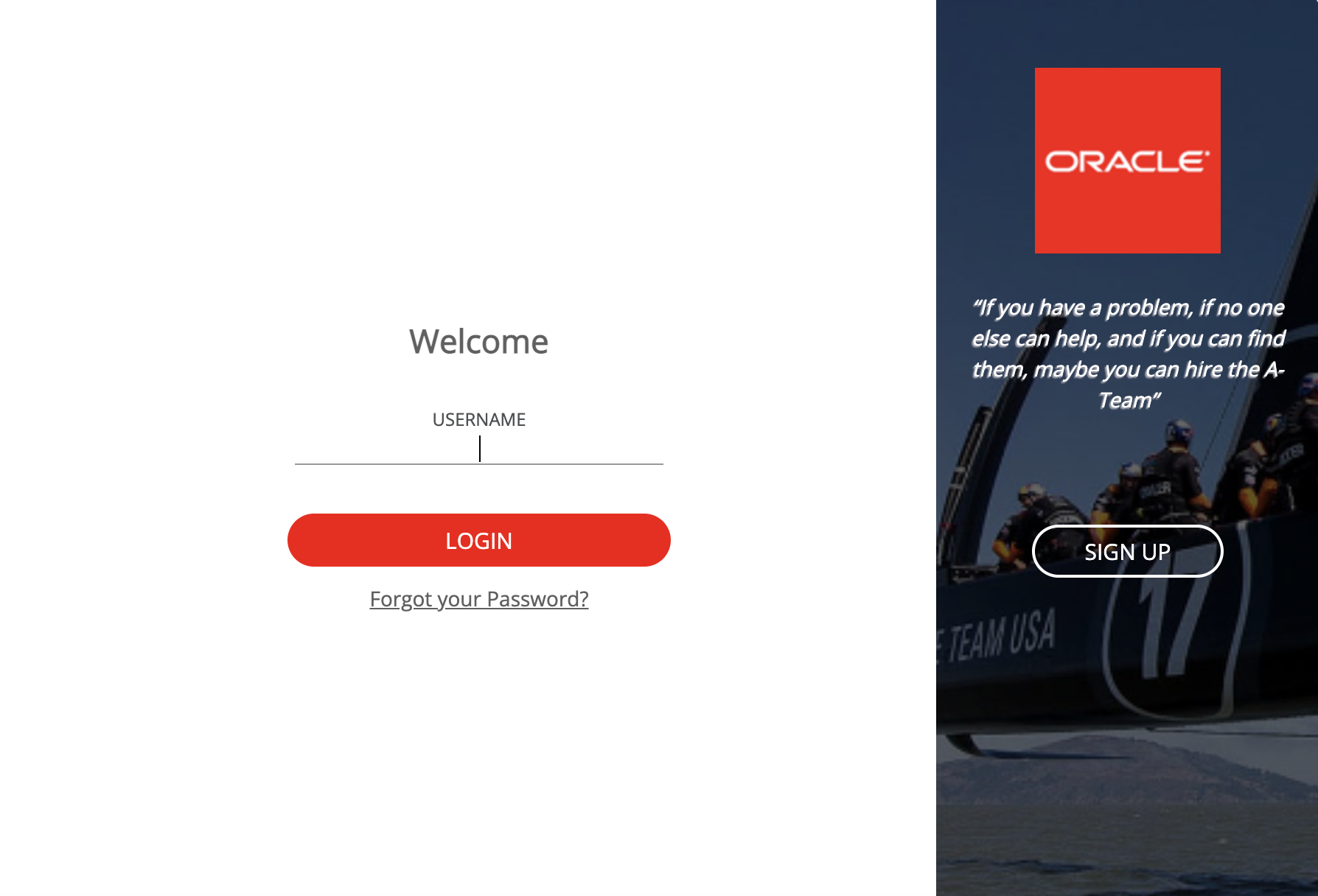
Notice that the password field is missing from the above form. The widget is fetching just the username. The above logic when to display just the username or username along with password is achieved by enabling the ‘User Name First’ button in Session Settings:

Based on the username, OCI IAM will select the IDP which will sign-in the user. For example, say Acme empoyees use their corporate email – @acme.com – as their usernames. Hence if some-employee@acme.com tries to sign-in, OCI IAM should send the employee to Okta for actual sign-in. However, if some-consumer@yahoo.com tries to sign-in, OCI IAM should itself authenticate the consumer locally. This can be achieved using the identity provider policy rules in OCI IAM.
Define an identity provider policy with two rules, one for the employees and the other for the rest, i.e., non employees including consumers.

The Employee rule can be defined as follows:
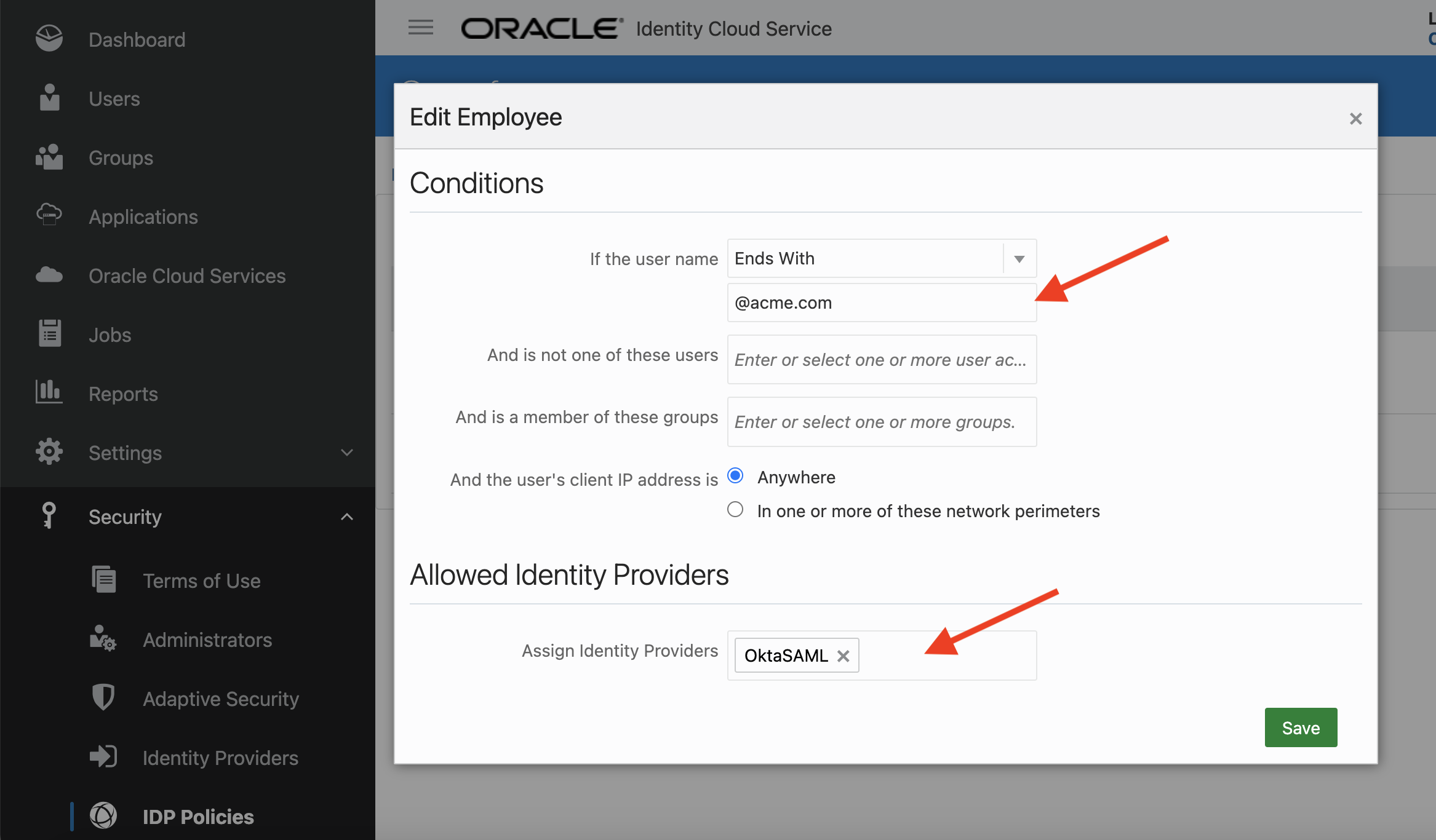
The above rule checks if the username ends with @acme.com. If so, OCI IAM selects Okta as the IDP. The user (employee) is forwarded to Okta for sign-in.
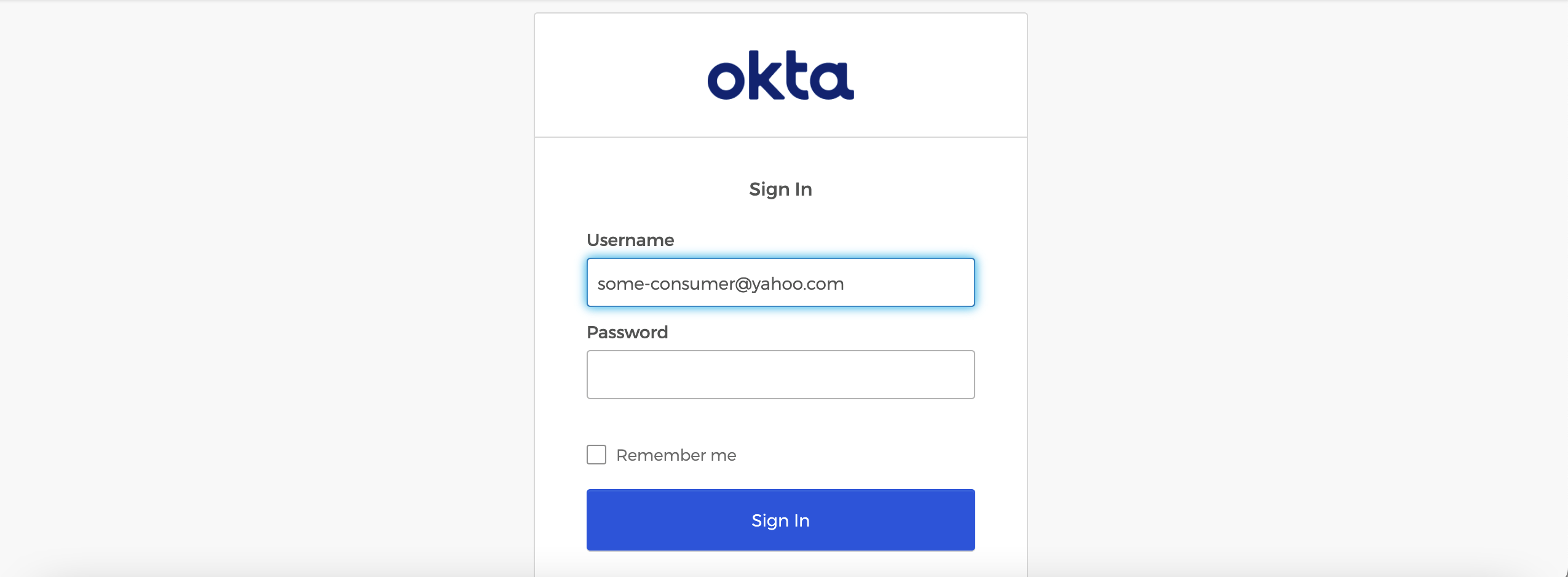
The Default rule, which is for everyone else including consumers states that the OCI IAM will sign-in the user. In the following figure, <username, password> in the drop down list for identity providers stands for the local IDP which is OCI IAM.

If a consumer say, some-consumer@yahoo.com tries to sign-in, the following form from the custom login widget will be displayed. Since username has already been collected in the beginning, the form displays just the password field as shown below:

Summary
OCI IAM’s ‘User Name First’ feature allows rule driven selection of an identity provider (IDP) based on the username attribute during user sign-in. This blog post discusses the support for this feature in custom login widget.